Triathlon training planner: a plan built from your race.
You enter your goal race, level and available hours; Tri-Train computes the weeks up to race day: phases, weekly load and concrete swim, bike and run sessions with steps, target zones and durations. Not a template from the internet, but a plan that starts from your current fitness.
Three steps to a plan
Add your race
Sprint, Olympic, 70.3 or Ironman — or a single-sport race with its real distance. The distance sets the minimum weeks, the volume cap and the longest session.
Fill in your profile
Level, target hours per week, training days, number of hard sessions and your thresholds. If something is missing, the planner uses a default and tells you.
Generate the plan
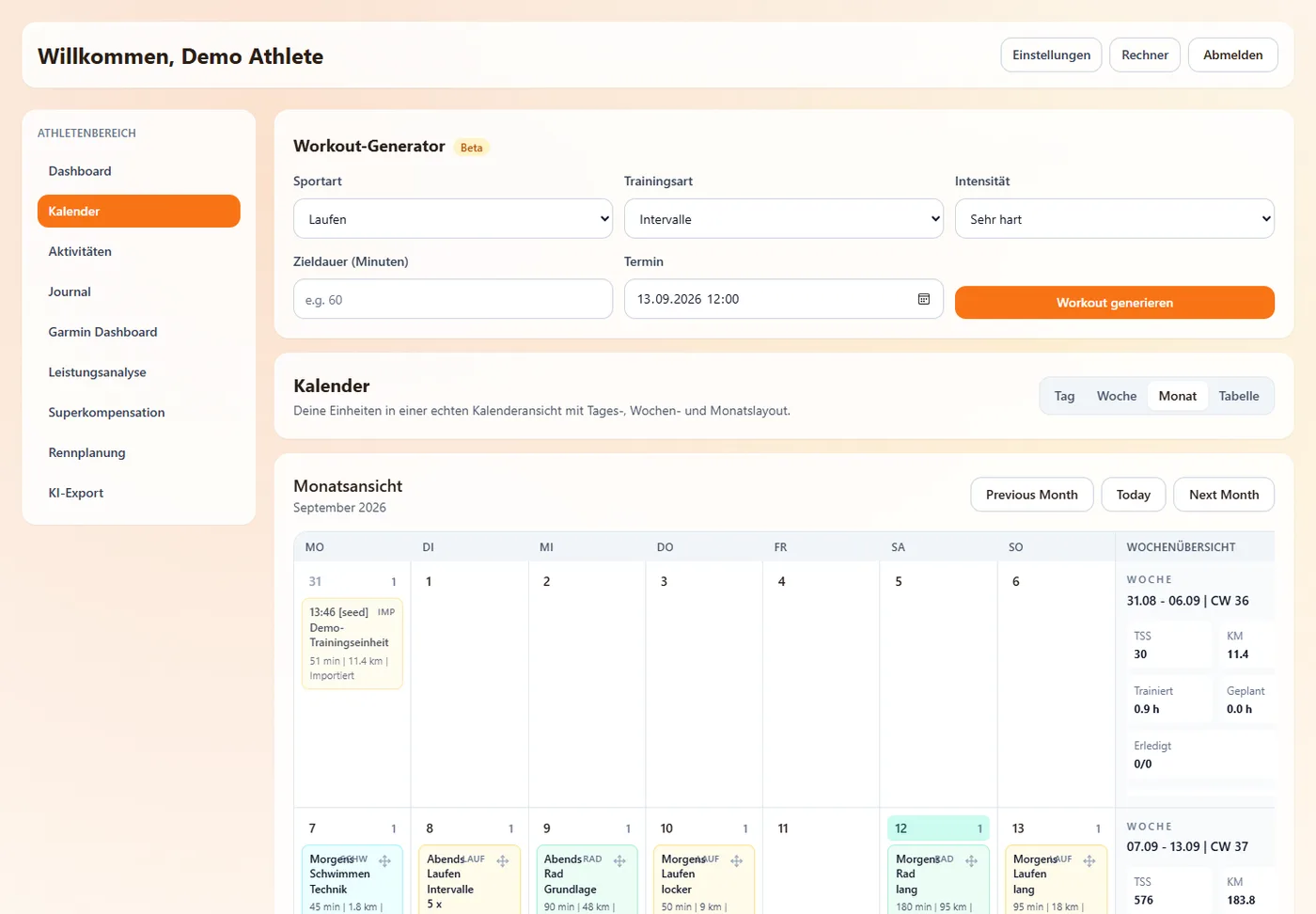
The generator computes the plan in seconds and puts it in your calendar. Every session can be moved, swapped or pushed to your Garmin.
The rules inside the plan
Periodisation is arithmetic plus rules. That is why no language model computes it here: it could neither guarantee the load limit nor produce the same plan twice.
Phases, not one-size-fits-all
Working weeks split into base, build and peak, followed by the taper — longer or shorter depending on race priority. Every few weeks a recovery week at 80 % of the load.
A cap on progression
Fitness (CTL) may only grow by 3, 5, 7 or 8 points per week depending on level — no matter how many hours your profile says. That is the line where overtraining starts.
Concrete sessions, not just hours
39 session families for bike and run, a dedicated swim engine working in metres, 43 training methods to choose from. Every session comes with warm-up, main set, cool-down and targets in watts, pace or heart rate.
Warnings you can see
Too little preparation time, no training days, a method missing a profile value: the planner hides nothing and puts the warning next to the plan.
Learned from your history
With enough activities, Tri-Train estimates your personal recovery and fatigue constants and adjusts the ramp cap, recovery rhythm and taper accordingly.
Onto the watch
Planned sessions go to Garmin as structured workouts — intervals, target zones and pool lengths included. What you complete comes back automatically and is matched to the plan.